Manufacturers, repackagers, wholesale distributors, third-party logistics providers (3PLs), and dispensers in the U.S. pharmaceutical supply chain require credentials to meet DSCSA Interoperability. If one of your trading partners is requesting a credential to authenticate you, this guide covers what you need.
Getting Your Credential #
If you already have a DSCSA credential, skip to the next section.
We partner with Legisym as our credential issuer. They check identity documentation and monitor state and federal licenses, so that the credentials they issue can be trusted. If you have a DEA CSOS certificate, your credential application can be completed in less than 7 minutes. With your credential you gain access to a free mobile application that supports instant drug verification, and our Address Book for tracking and managing your Authorized Trading Partner (ATP) data. (For more information on the importance of ATP confirmation, watch this webinar with the FDA’s former head of DSCSA enforcement.)
You can obtain a credential through one of the buttons below, or contact our team for a consultation.
Using Your Credential in the Portal #
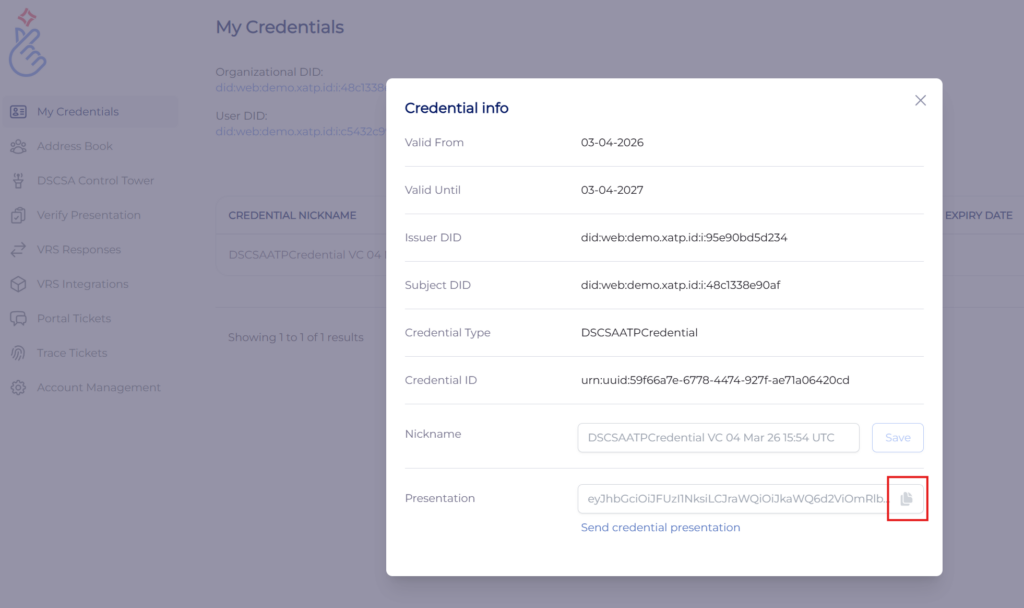
Once you have a credential, you can use it like a passport in certain manufacturer, wholesaler, dispenser, and even regulator portals. If you obtained your credential from LedgerDomain, go your dashboard, navigate to the My Credentials page and click your ATP credential. Then click the “copy” button next to the presentation (below). This is your ATP credential “signature.” (If you obtained your credential from another provider, refer to their documentation for details.)
In your counterparty’s portal, click your name in the upper right corner and go to “Your account.” Scroll down and you’ll see the signature field.
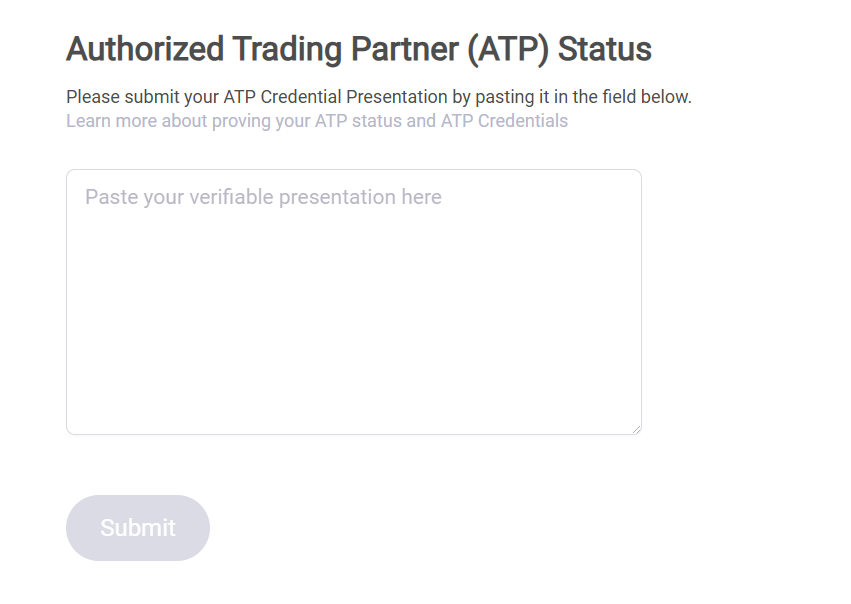
Paste the signature and click Submit. Your credential will be instantly checked.
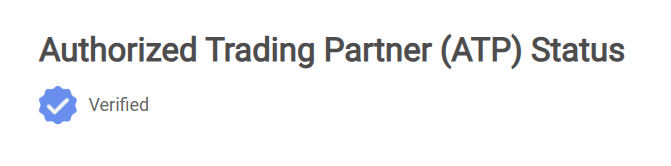
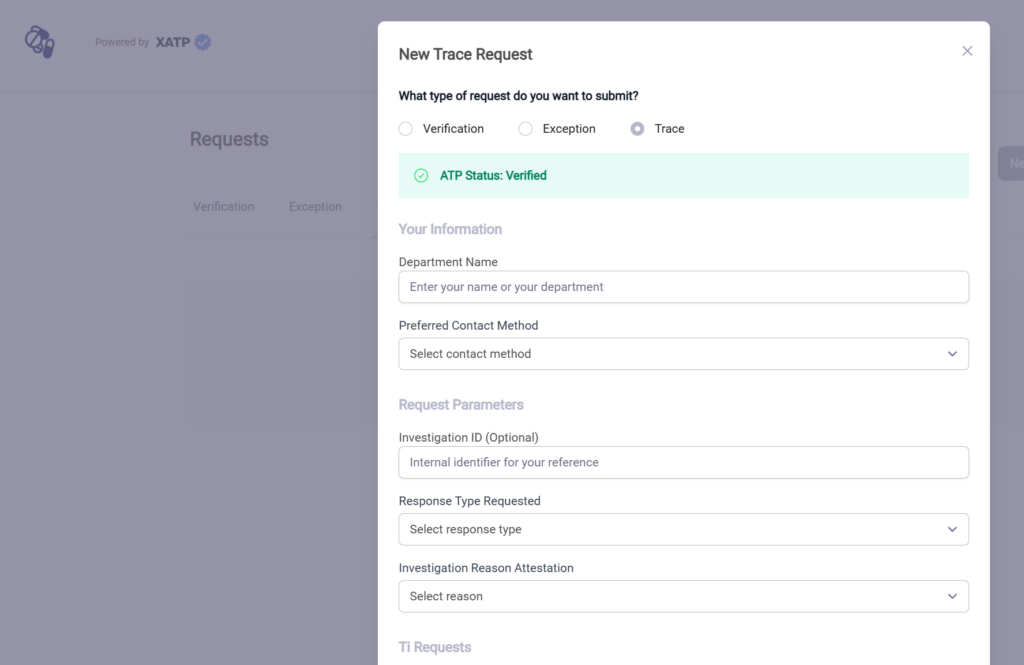
You should now have access to enhanced workflows including verification, exceptions reporting, and trace.